Finds every update
Apps that update with Sparkle, Homebrew formulae and casks, apps released on GitHub, and apps you installed by hand that Homebrew also knows about. One list, checked on a schedule you choose.
Upkeep lives in your menu bar. It finds updates for the apps you have — whatever installed them — applies them for you, and removes apps completely when you no longer need them.
Version 0.10.5 · macOS 14 Sonoma or later · €9.99, one-time
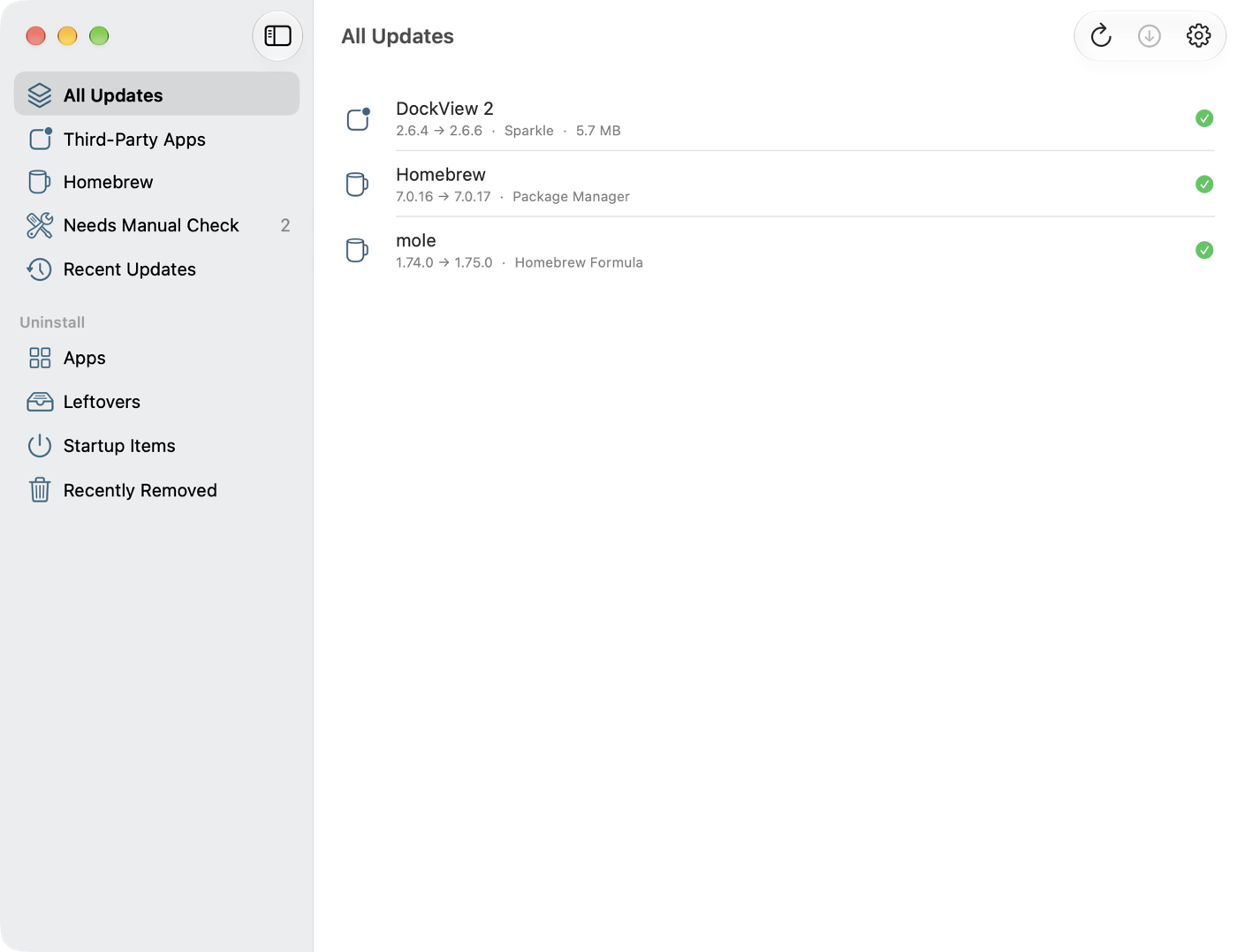
Apps that update with Sparkle, Homebrew formulae and casks, apps released on GitHub, and apps you installed by hand that Homebrew also knows about. One list, checked on a schedule you choose.
Downloads are checked against the developer’s signature before anything is replaced. An app that’s open is quit and reopened in the background when you start the update — never by surprise.
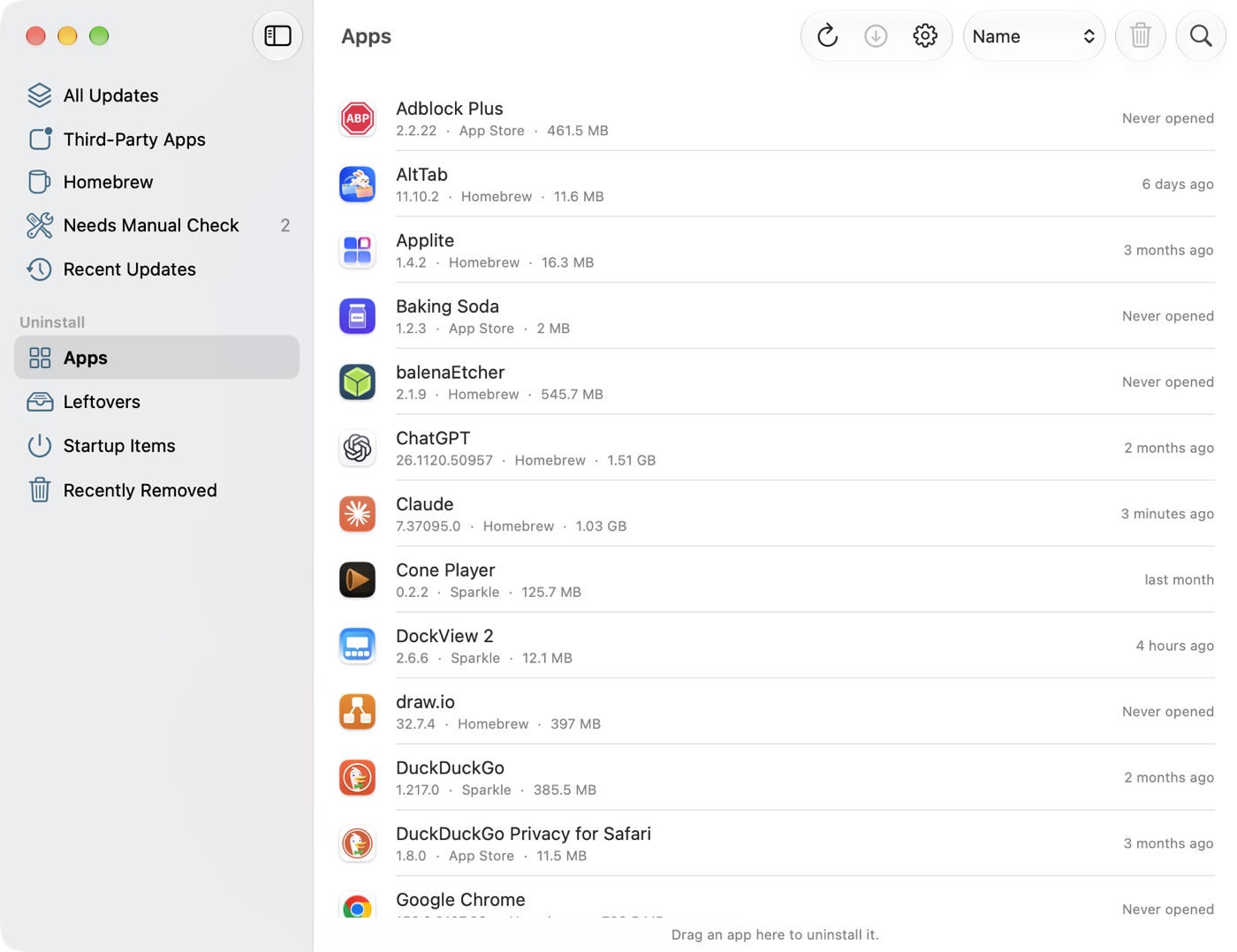
Drop an app on Upkeep to see everything it put on your Mac: preferences, caches, containers, launch agents and installer receipts. Anything that might belong to another app is shown, not ticked.
Leftovers lists files of apps you deleted long ago. Drag an app to the Trash in Finder, and Upkeep offers to clean up what it left behind.
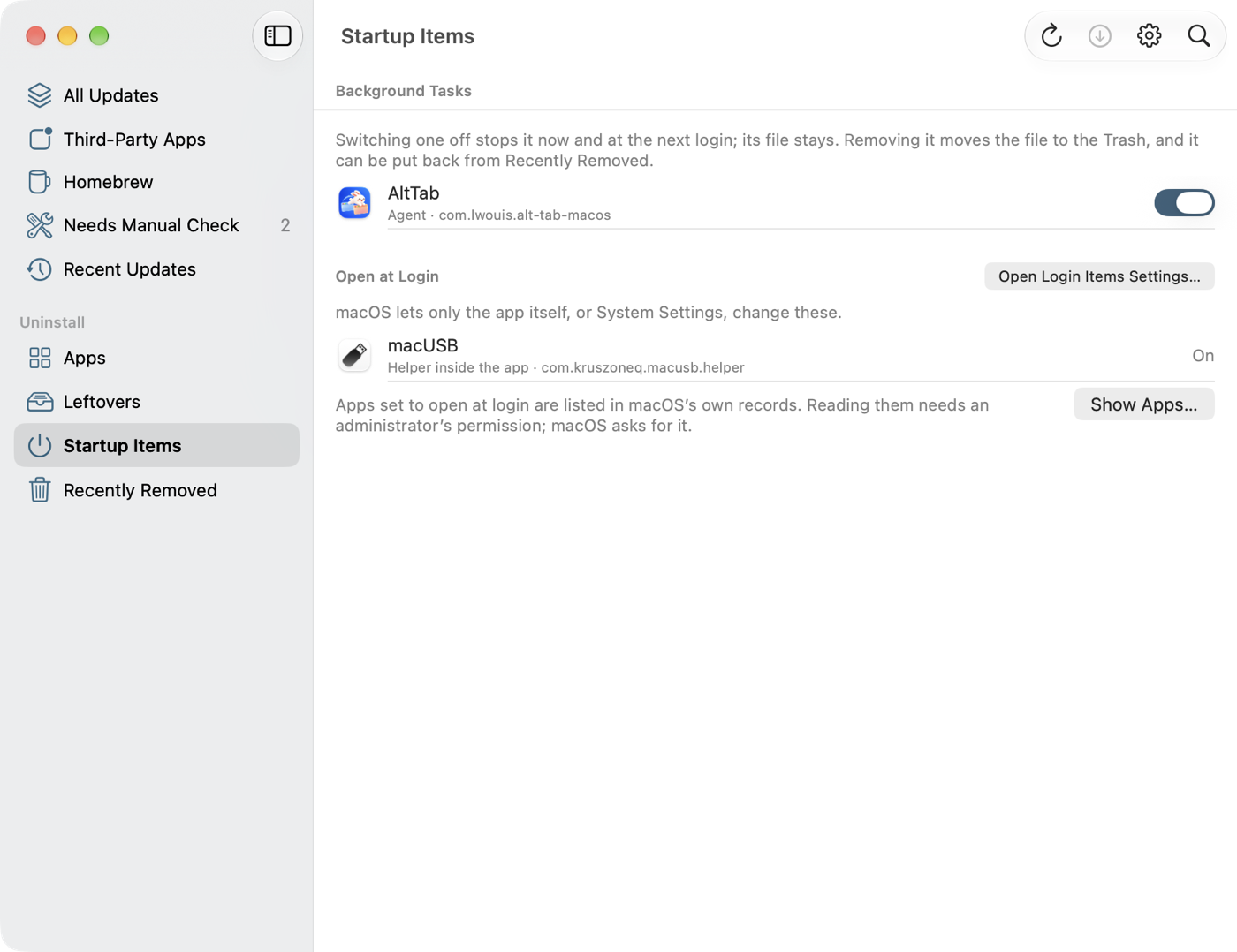
Startup Items lists launch agents, background tasks and apps that open at login, flags the ones whose program is gone, and lets you switch them off.
Everything goes to the Trash and is listed under Recently Removed, so Put Back restores it exactly as it was — including system files and launch jobs.
No account, no tracking, no analytics. Administrator actions ask every time, with Touch ID where you’ve set it up, and Upkeep never stores your password.
Chosen in Settings, independently of your Mac’s language.